The Hidden Scalability Limits of Power BI Paginated Report Distribution
Let’s be blunt.
Data-driven subscriptions for Power BI Paginated Reports do not scale. And layering Power Automate on top does not fix that. It compounds it. They work at low volume, but once you start generating reports per customer, per account, or per department, performance, reliability, and predictability all fall apart. We validated this with a real-world test.
The Benchmark Test (No Marketing Tricks)
We ran the same Power BI Paginated Report, with the same data, in the same environment, using three common approaches:
Data-driven subscriptions
Power Automate–triggered exports
PDF bursting with remiCrystal
Same report. Same data. Same output. Only the execution model changed.
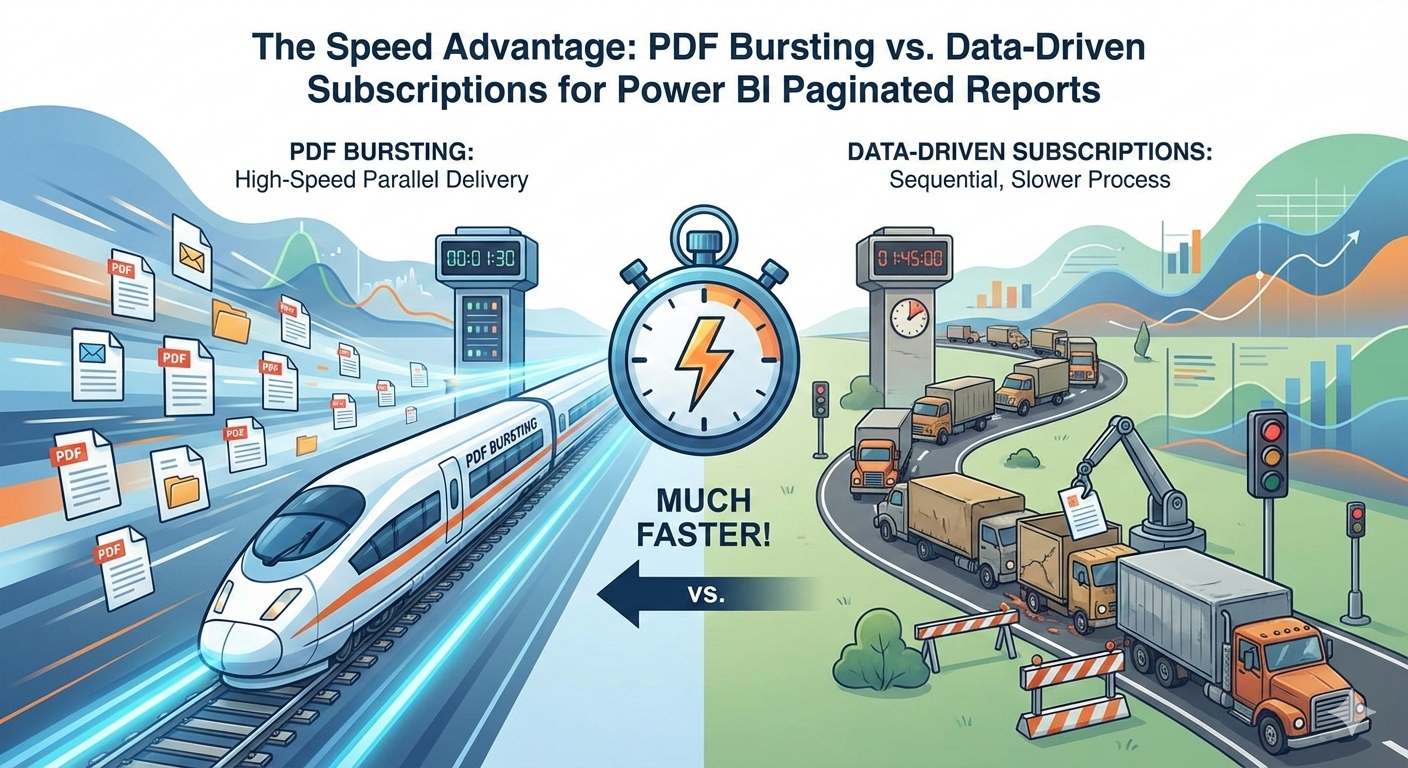
Test Results
Data-Driven Subscription (Leading Competitor)
10 records → 1 minute
Execution model: one report execution per record
Linear extrapolation:
500 records → 50 minutes
That’s the optimistic case.
Power Automate–Based Export Flows
Power Automate is often introduced to “work around” subscription limitations.
In practice, it introduces new ones.
Typical flow:
Loop over records
Call Power BI export API
Poll export status
Save or send PDF
Repeat
Results:
Still one export per record
Still subject to Power BI API rate limits
Added flow throttling
Added per-action latency
In real deployments, this often performs slower than native data-driven subscriptions, especially at scale.
PDF (and Excel) Bursting with remiCrystal
10 records → 2 seconds
Execution model: single report run, bulk split
Linear extrapolation:
500 records → ~100 seconds (~1.7 minutes)
Predictable. Deterministic. Boring in the best way.
Why Power Automate Doesn’t Scale for Paginated Reports
Power Automate was not designed for high-volume document generation.
From a technical standpoint:
Flows execute actions sequentially
Each loop iteration incurs platform overhead
Export actions rely on the same rate-limited Power BI APIs
Throttling occurs at multiple layers:
Power Automate
Power BI REST APIs
Tenant capacity limits
When limits are hit:
Flows pause
Actions retry after minutes
Entire runs slow down or partially fail
At scale, you get:
Long-running flows
Unpredictable completion times
Complex retry logic
Hard-to-debug failures
The Compounding Effect of Rate Limits
This is where things really break down.
With subscriptions or Power Automate:
Each recipient = multiple API calls
Each export = status polling
Each retry = forced backoff (often 1–2 minutes)
Once throttling begins:
Exports stall
Queues build
Execution time balloons
A “50-minute job” quietly becomes 90 minutes.
Why PDF Bursting Avoids All of This
PDF bursting with remiCrystal reduces the entire process to:
One report execution
One export
One split operation
No loops. No per-recipient API calls. No Power Automate flow limits. No retry storms.
Technically:
Minimal API surface
Minimal throttling exposure
Stable execution time
The Hidden Operational Cost
Once Power Automate enters the picture:
Monitoring becomes harder
Failures become less visible
Execution windows grow unpredictably
Teams start adding “buffer time” to schedules
At that point, the system is no longer automated. It’s fragile.
The Bottom Line
Power Automate is great for workflow orchestration. It is not a report distribution engine. Data-driven subscriptions and Power Automate both scale by adding more executions. PDF bursting scales by eliminating them. That’s why the performance gap widens, not shrinks, as volume increases.
Stop Looping. Start Bursting.
If you are:
Looping through recipients
Hitting Power BI API limits
Waiting on retries
Stretching overnight jobs into business hours
You are fighting the platform.
👉 Replace subscriptions and Power Automate loops with remiCrystal PDF bursting.
👉 Generate hundreds or thousands of PDFs in minutes.
👉 Eliminate throttling, retries, and fragile flows.